Bring a reference
Choose one of three built-in starting points — street, window or park — or import your own image.
 Novavia Studio
PhotoCoach
In development · iPhoneA reference-led portrait camera for the picture you have in mind.
Take a closer look ↓No public download yet.
We’ll share release details here when they’re ready.
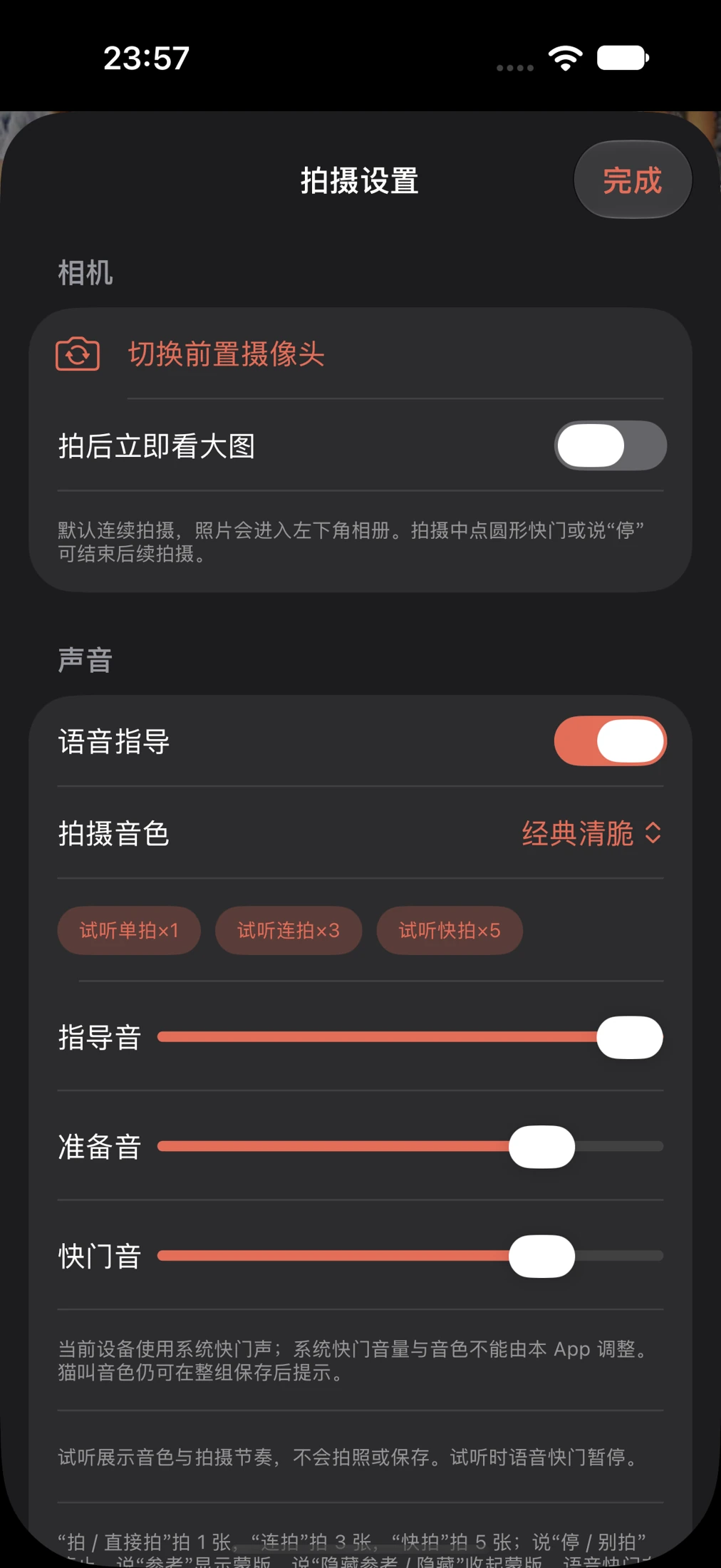
Inside PhotoCoach
Choose one of three built-in starting points — street, window or park — or import your own image.
Use a translucent reference overlay and pose guidance to help place your subject in the picture.
Switch between assisted and solo modes to suit who is holding the phone.
Choose a single shot, a three-shot sequence or a five-shot sequence from the shutter controls.
Optional short Mandarin voice commands trigger a single shot, a sequence or a stop command.
Browse your photos in the app, choose the ones you want and export them to Photos.
Pick a starting point
Built-in reference content for a street portrait, a seat by the window or a moment in the park. You can bring your own image, too.
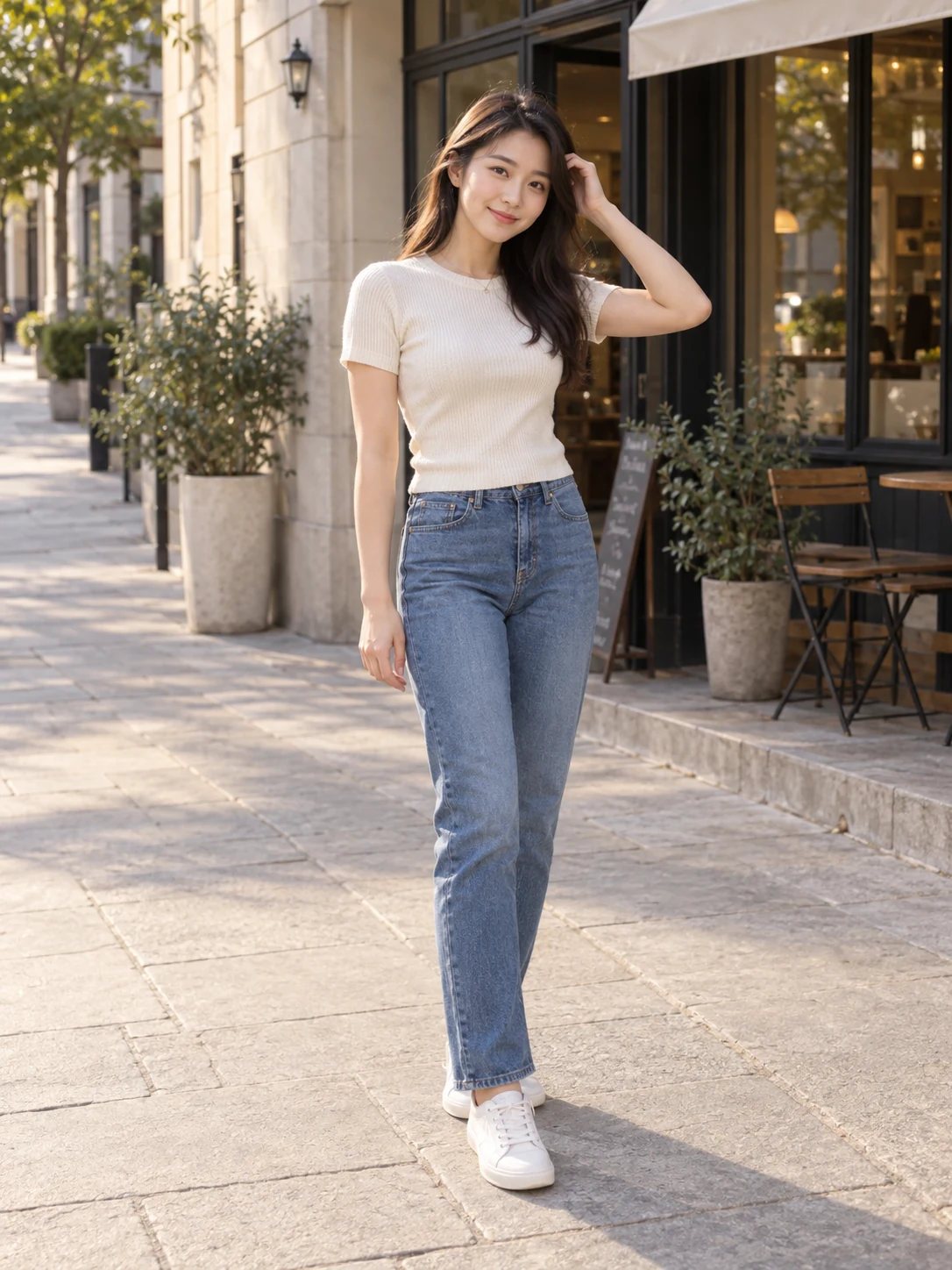
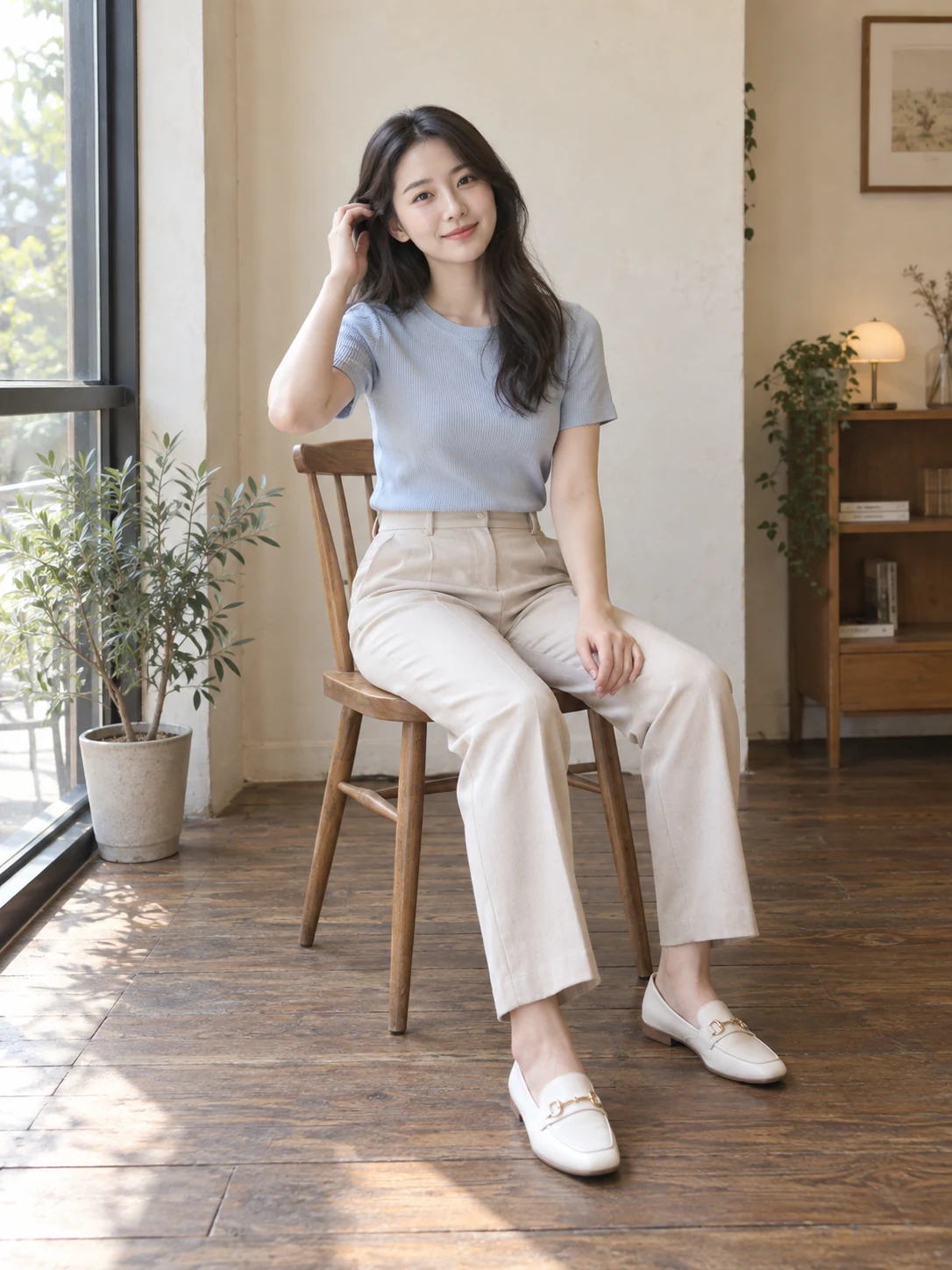
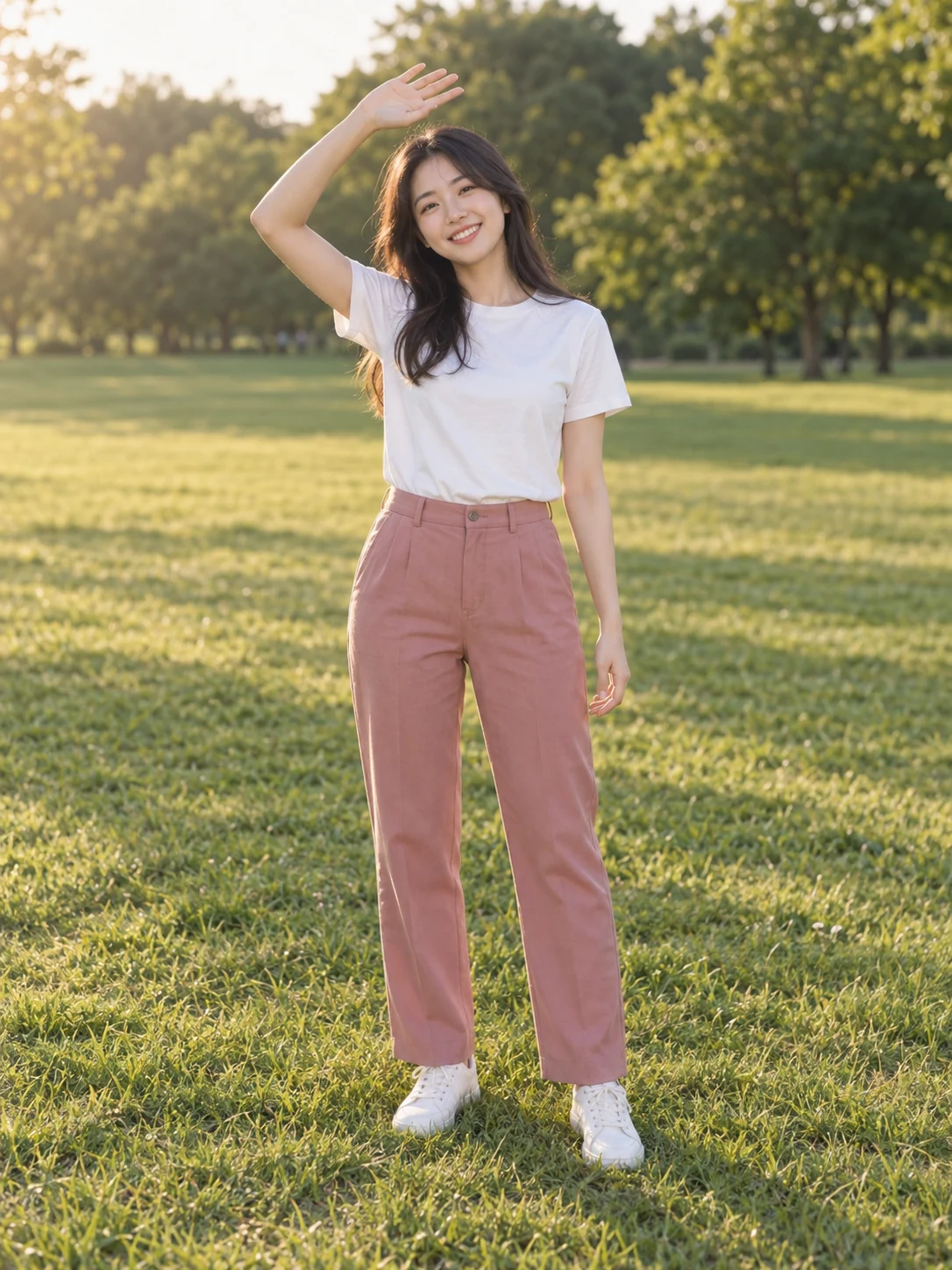
Images shown are the app’s generated starter-reference content, not captured-photo results.
Work in progress
These are development previews. Features and visual details may change before public release.