Start with the original
Import a photograph from Photos or Files. Read its camera and exposure information from EXIF.
 Novavia Studio
RedNote Framer
In development · iPhoneAn iPhone workspace for cropping, framing and sharing your photographs.
Take a closer look ↓No public download yet.
We’ll share release details here when they’re ready.
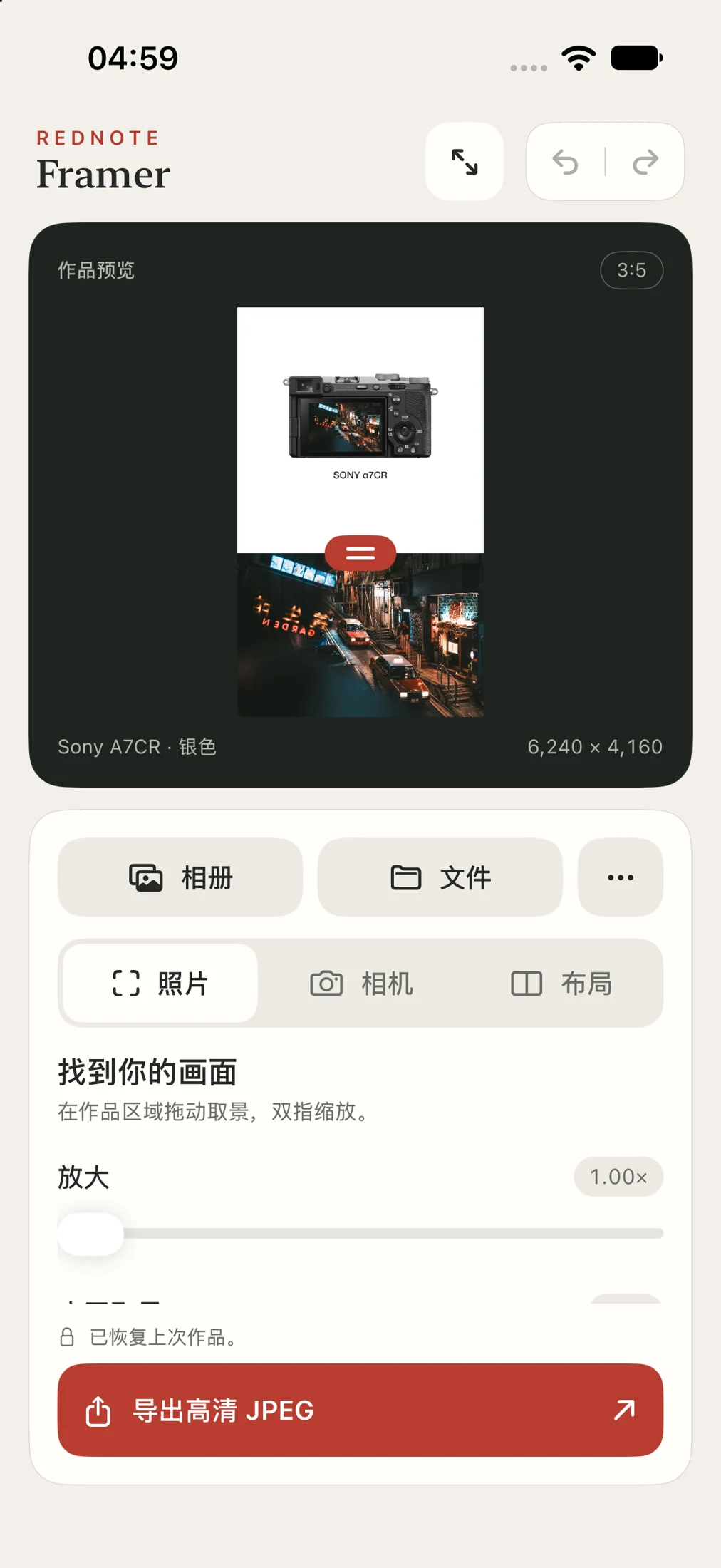
Inside RedNote Framer
Import a photograph from Photos or Files. Read its camera and exposure information from EXIF.
Drag and pinch to compose the photo. Move the divider to balance the picture and the space around it.
Work in 3:4 or 3:5 layouts and adjust the camera placement within the composition.
Use camera information from the photograph, with automatic matching and a manual selection option.
Undo and redo while you edit, and restore your current work when you return to the app.
Inspect the result, save it to Photos or open the native share sheet. Export removes source GPS metadata.
See the details
Photo adjustments, camera details and the finished composition come together in one workspace.
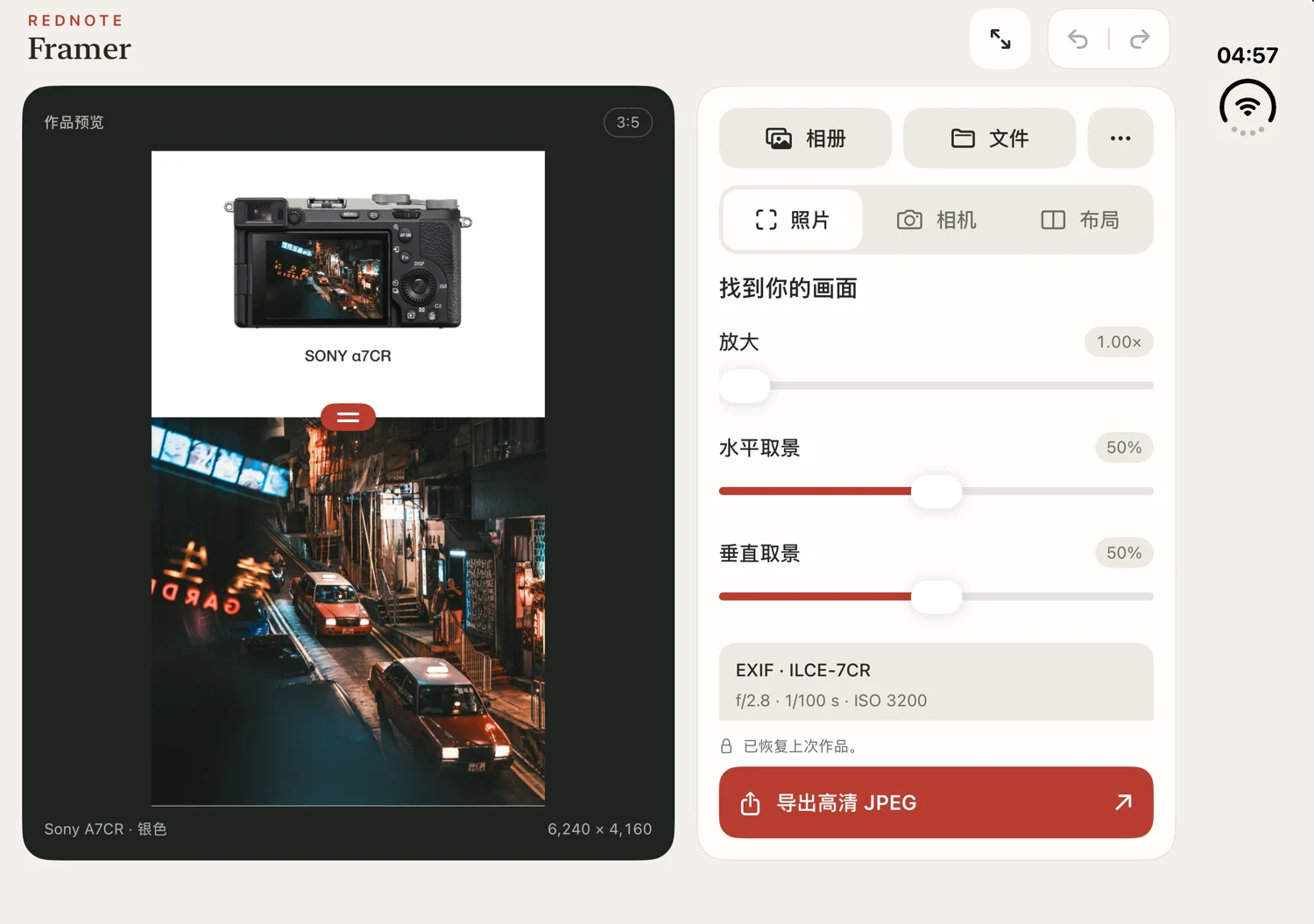
Wide development workspace preview. Camera imagery shown in a prototype; the release library is being finalized.
Work in progress
These are development previews. Features and visual details may change before public release.
RedNote Framer is a project of Novavia Studio and is not affiliated with or endorsed by Xiaohongshu / RED.